Iskärna Zigbee Wifi Mod
Mod your Iskärna Lamp to connect to Zigbee or Wifi
ISKÄRNA Zigbee Mod
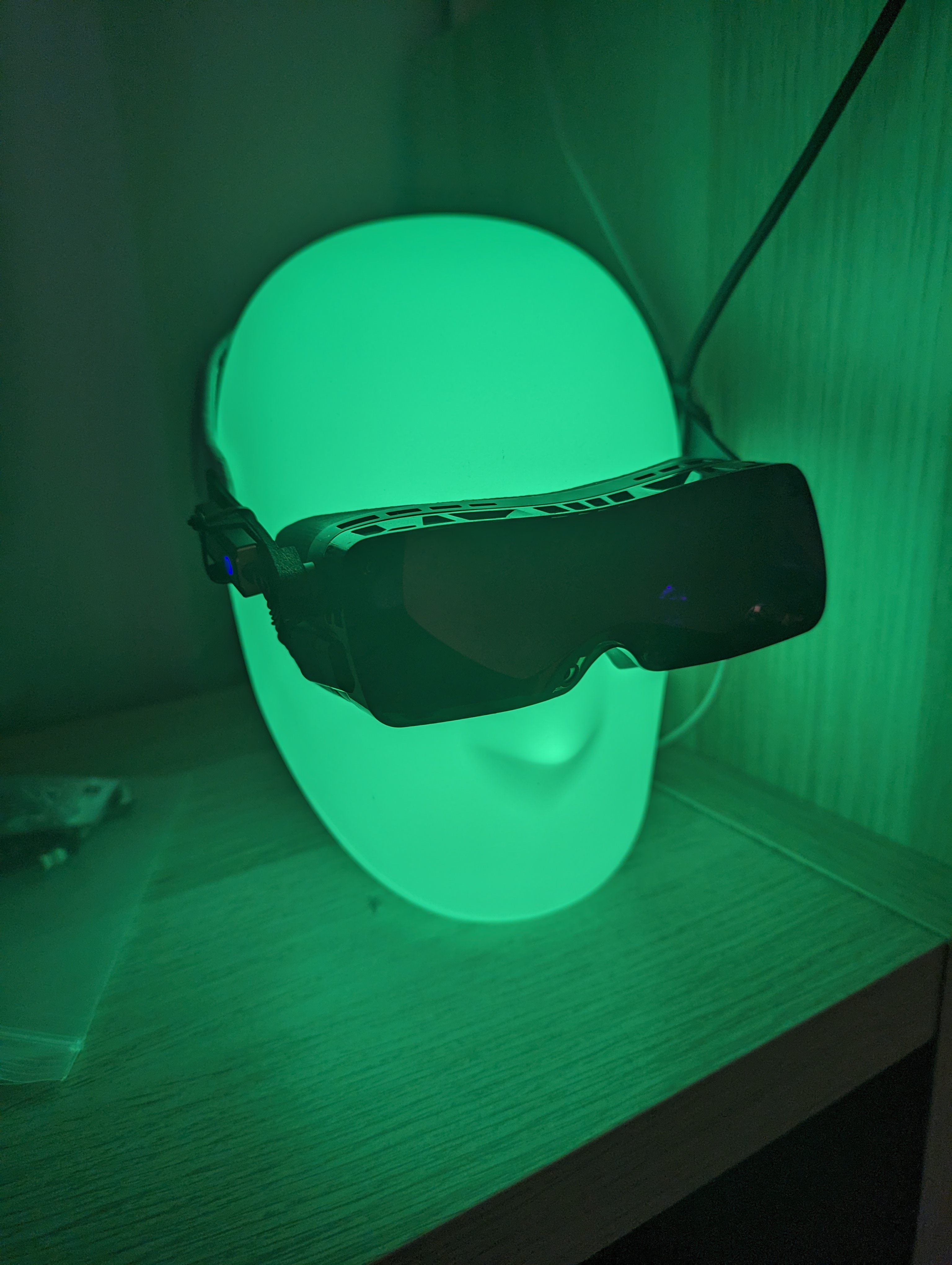
Mod your ISKÄRNA Lamp to connect to Zigbee or Wifi.
Materials and Tools
FUT037ZZigbee Controller AliExpress Product Page or any other RGB Zigbee controller- Wire strippers (or if you don’t care about your fingers, a sharp knife)
- Something to cut wires
- Screwdriver
Opening ISKÄRNA
Remove the screw at the back.
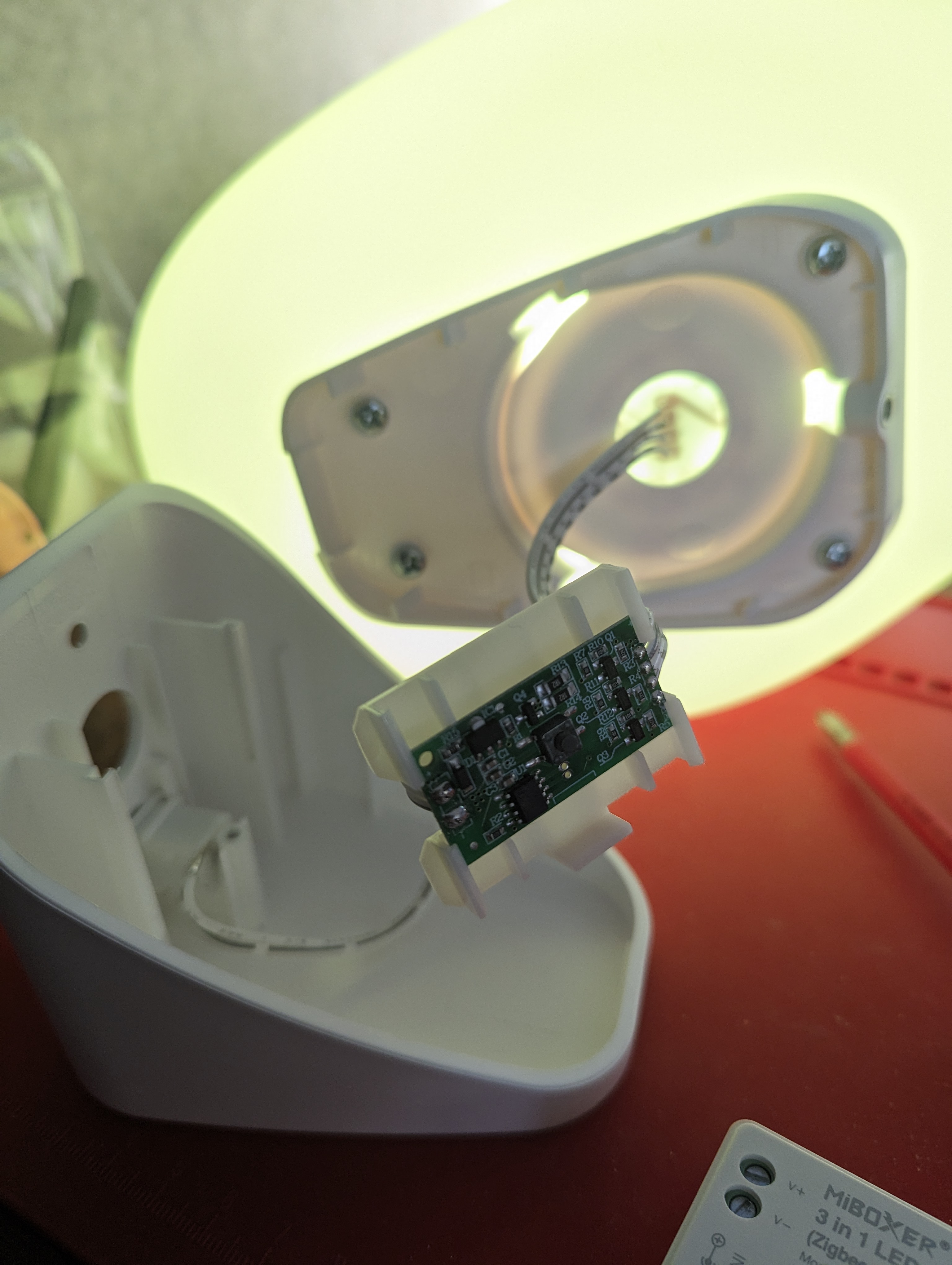
You will be presented with this
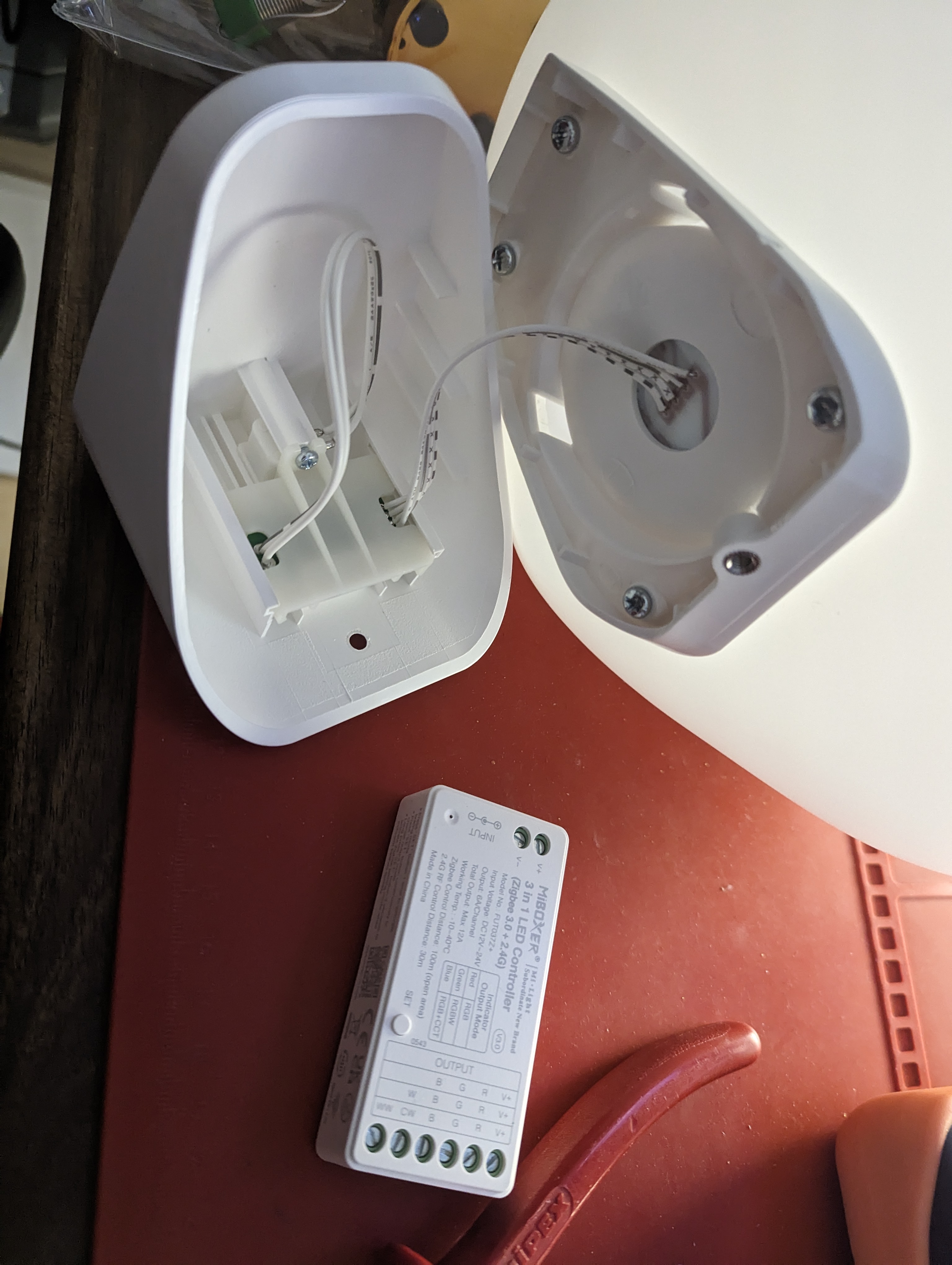
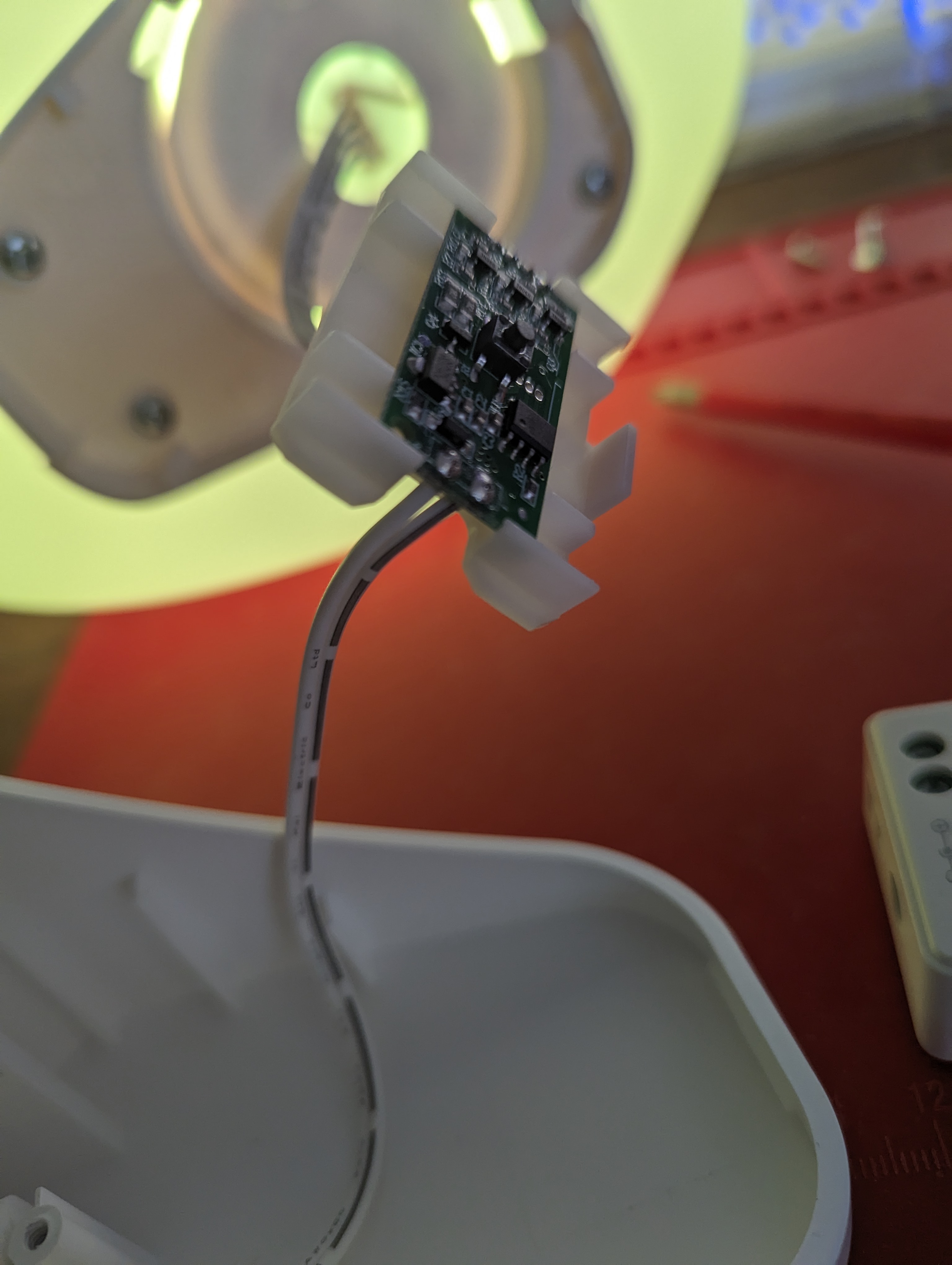
Remove the screw here so the control board and button-assembly can slide out. It might seem stuck, but you can force it.
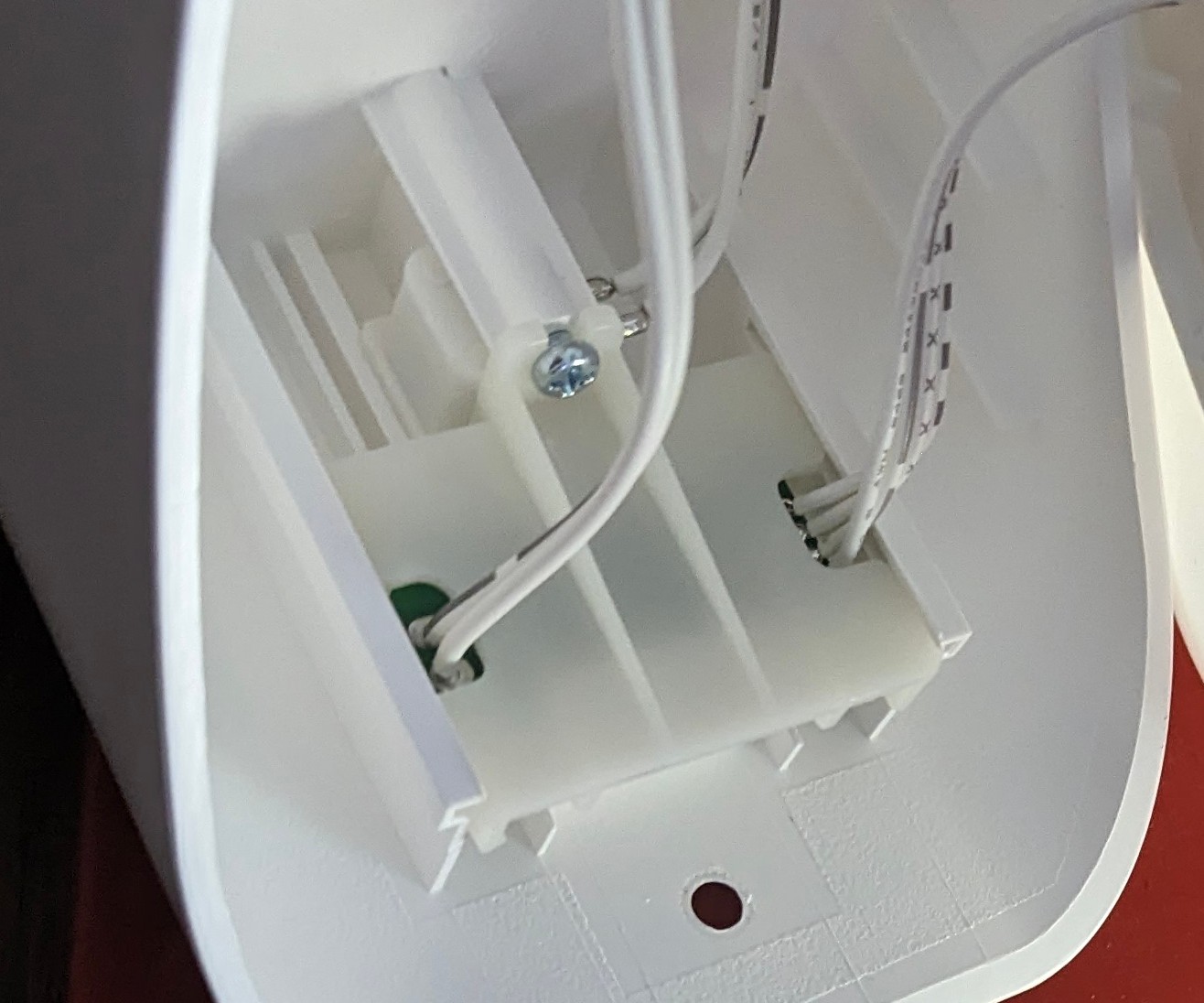
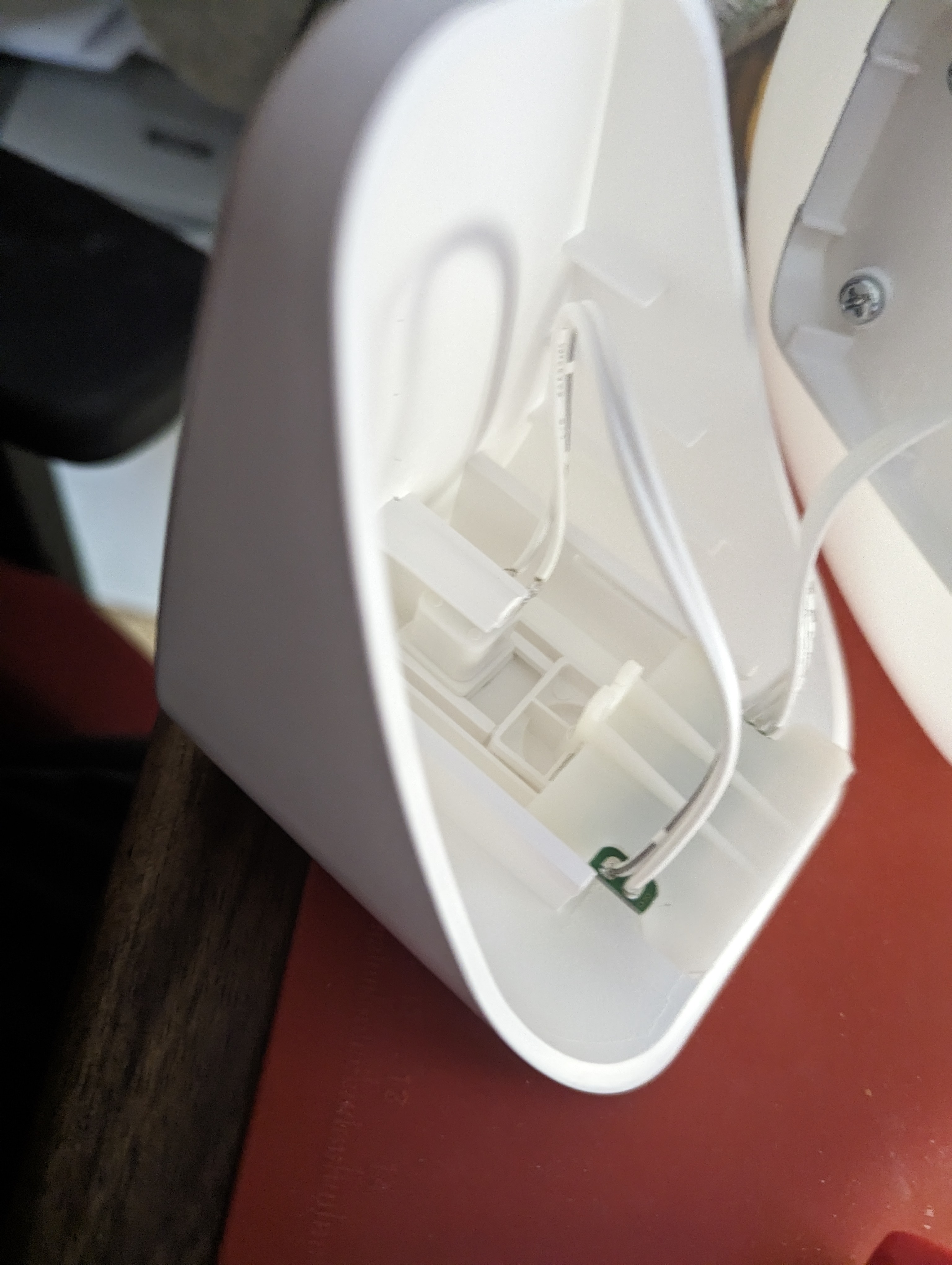
Connecting the Zigbee controller
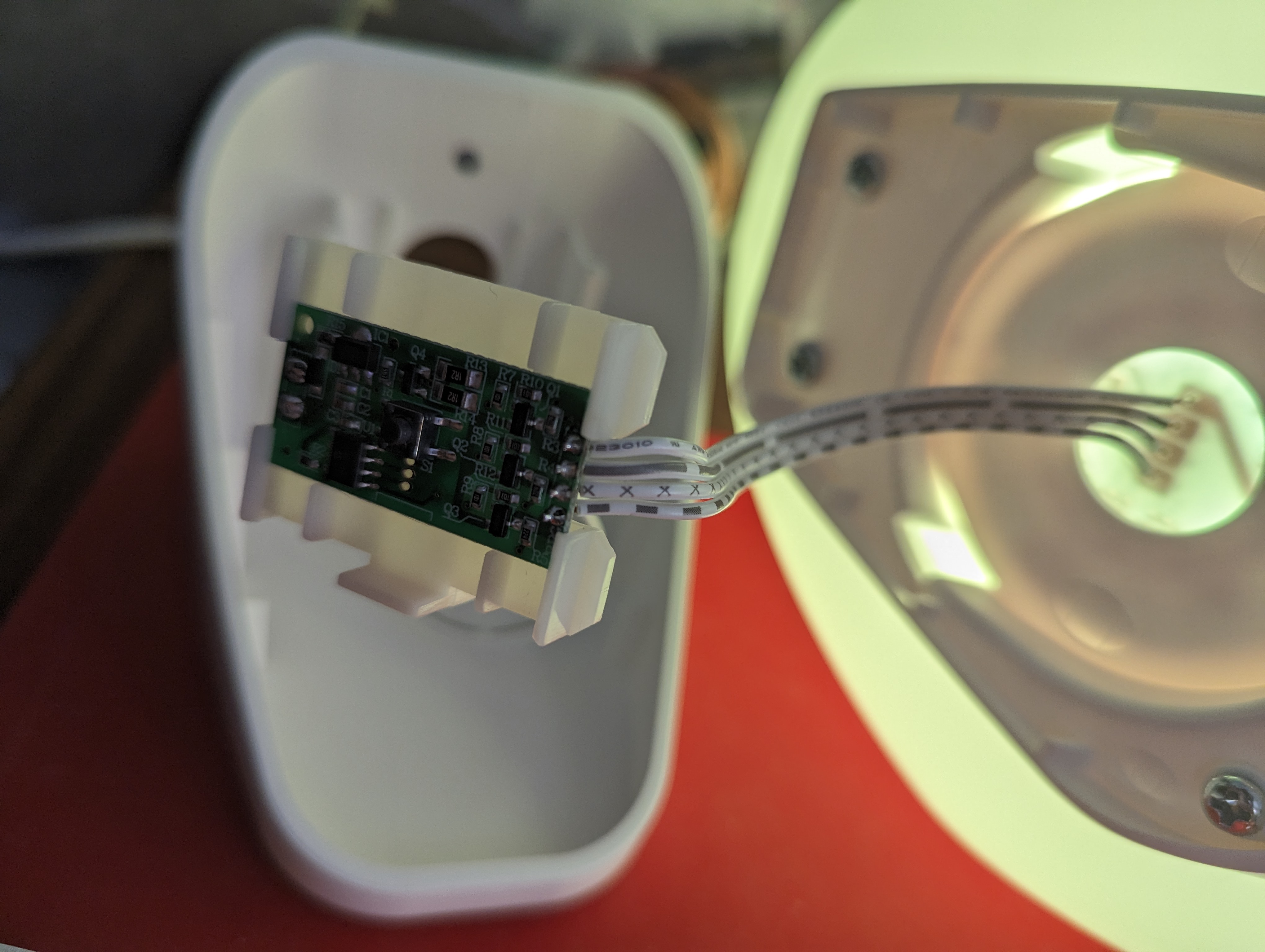
Cut and strip both power and the 4-wired ribbon connecting the head. The longer the remaining cable length is, the easier reassembly will be!
Connect the power wires to the controller
| Terminal | Wire |
|---|---|
| V+ | Unmarked |
| V- | Long dashed |
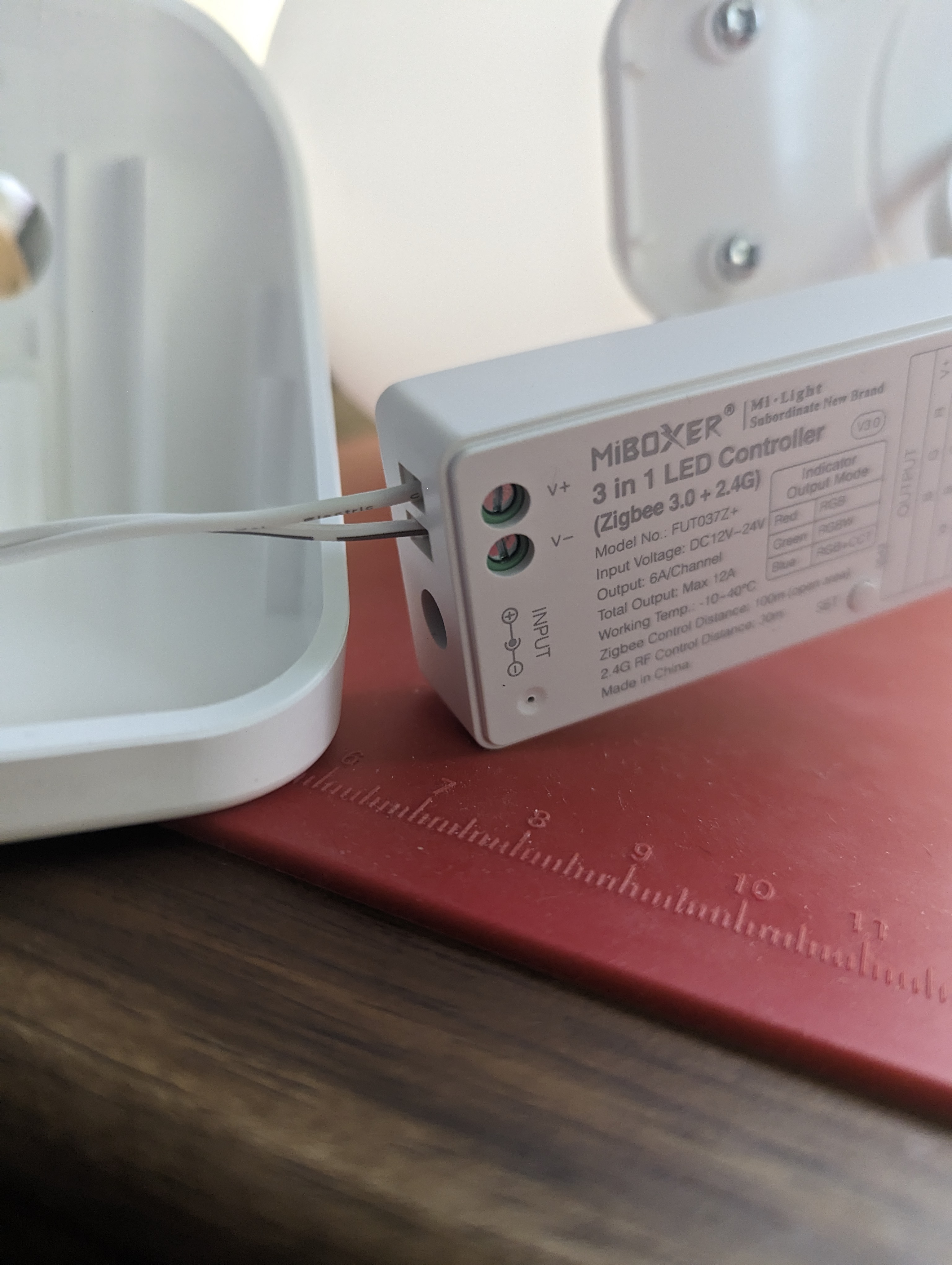
Connect the LED wires from the head
| Terminal | Wire |
|---|---|
| V+ | Unmarked |
| R | Short dashed |
| G | Long dashed |
| B | x |
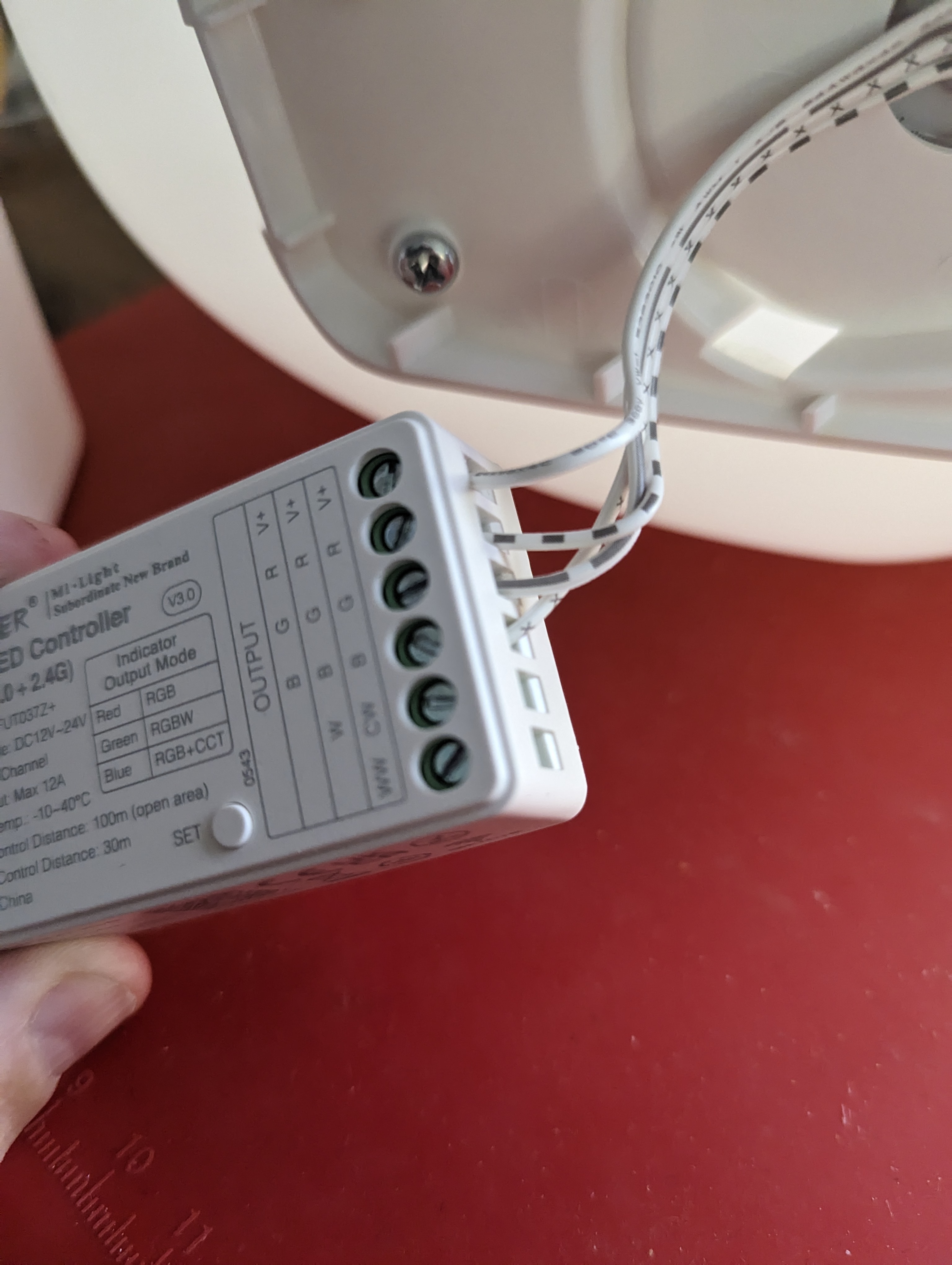
Connecting the controller
Pressing the “SET” button results in:
- 1st press: linking mode
- Subsequent presses: Cycle output modes
- Long press: Zigbee pairing mode (flashing LED)
Cycle the modes (press the “SET” button) of the controller until it is red (RGB mode).
Connect your Zigbee controller and it should show up as TS0505B.
(RGBW is green LED, RGB+CCT is blue LED)
Closing ISKÄRNA
It will be a tight fit!
The controller should face “down” (terminal screws facing the back) so the “SET” button can be accessed through the empty button hole, angled 45 degrees, slotting in between the rails where the control board and button used to be. The power terminals should be at the bottom.
FUT037Z Manual
Additional Images